Mobile Templates & Dialer
To access this feature, open your DialSummary Web Portal or Mobile App and select Message Templates. Create dynamic, variable-driven SMS and WhatsApp follow-up templates for 1-tap post-call dispatches.
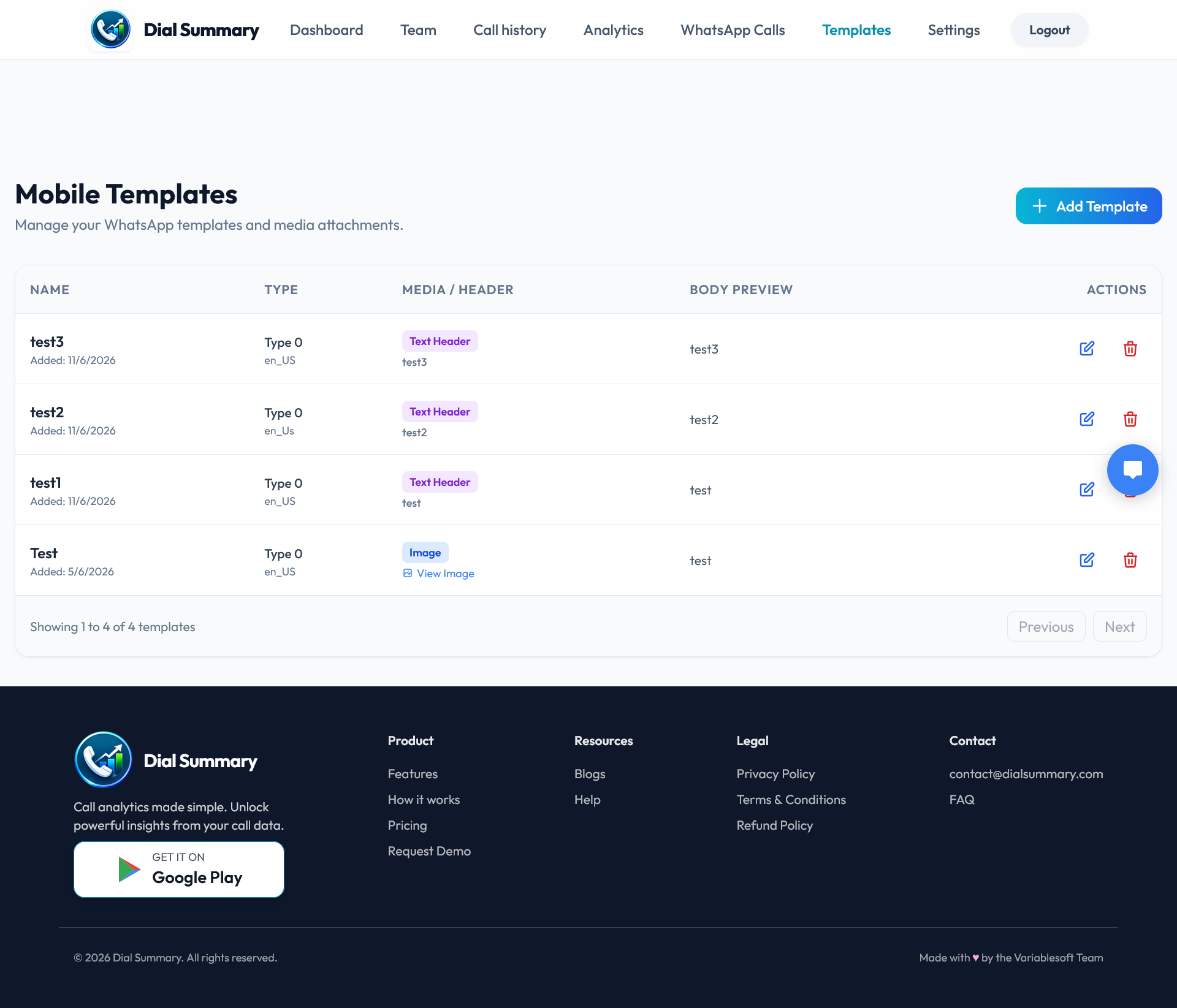
Setup Instructions
Step 1
Navigate to Templates in your admin dashboard and click the blue + Create New Template button.
Step 2
Select the template category: Post-Call Follow Up, Unanswered Call Notice, Payment Reminder, or Product Brochure.
Step 3
Insert dynamic merge tags such as
{{lead_name}}, {{agent_name}}, {{company_name}}, and {{custom_link}}.Step 4
Test how the template renders on both SMS (character counts) and WhatsApp with live preview simulation.
Step 5
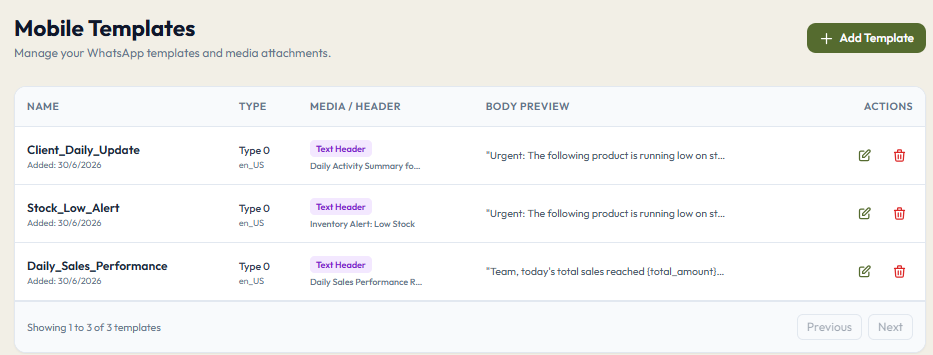
Click Save & Sync. The new template immediately becomes accessible to all active telecallers across their Android devices.
Step 6
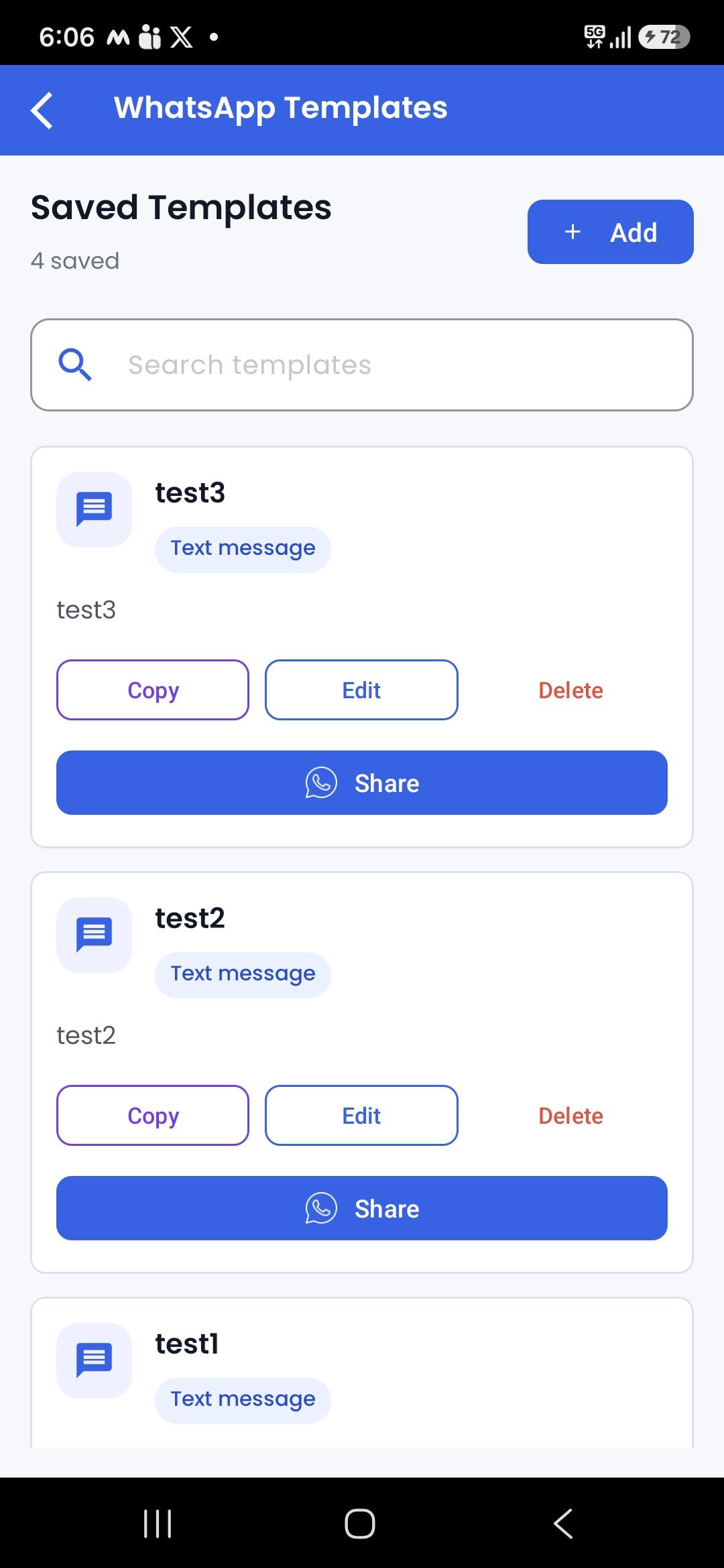
Telecallers can trigger the template with 1 tap right from the call disposition dialogue card after every customer interaction.
Got Questions?
Frequently Asked Questions
Yes. When an agent clicks Send, tags like
{{lead_name}} automatically pull the lead's stored contact record details.
Admins can toggle whether agents can tweak templates before sending or if messages must be sent strictly verbatim for compliance.
DialSummary allows unlimited message templates categorized by department, campaign, and language.