Live Manager Dashboard
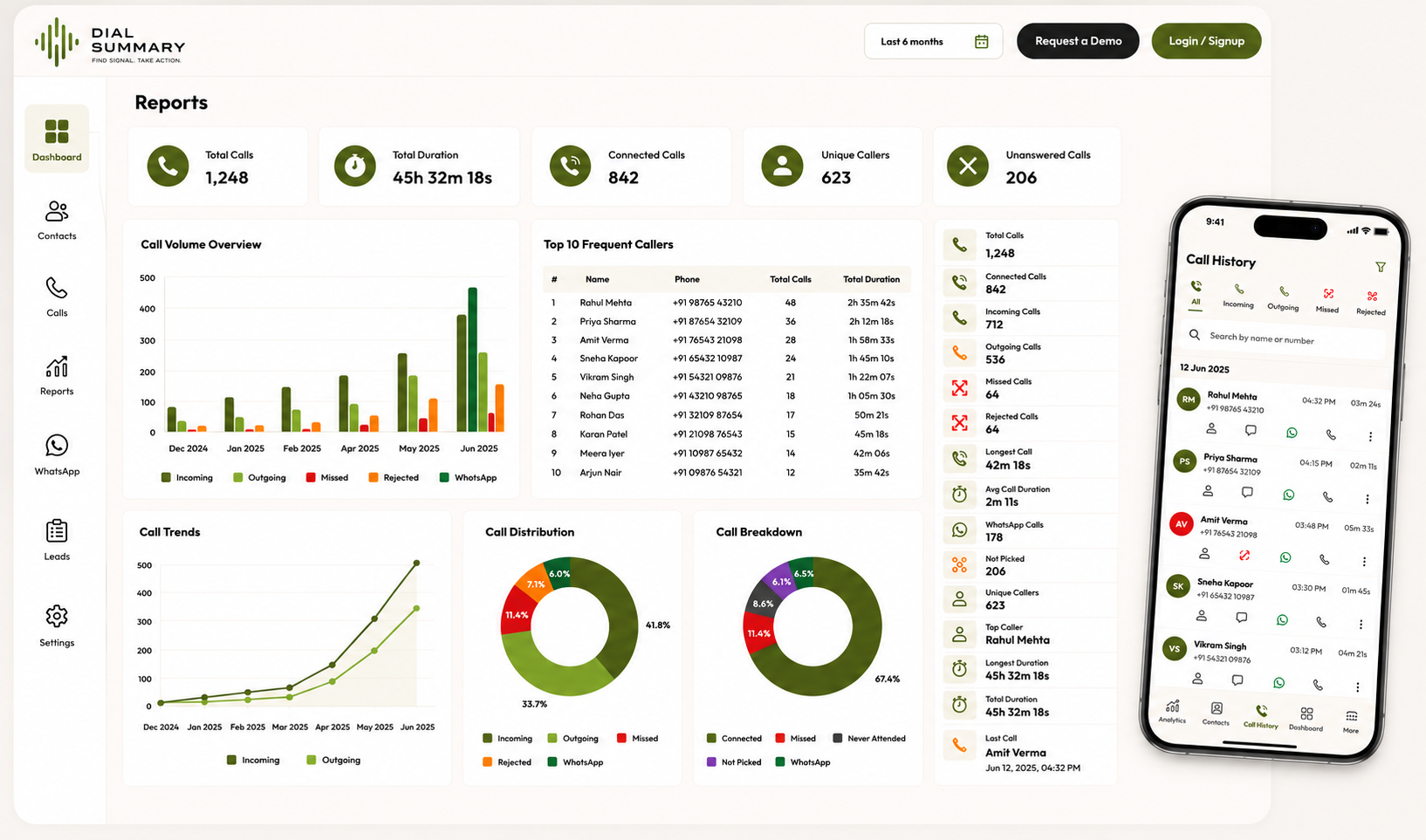
To access this feature, open your CRM Dashboard. Get a live, real-time command center view of current calling activity, active telecallers, connection volumes, and unresolved leads across your entire organization without refreshing pages.
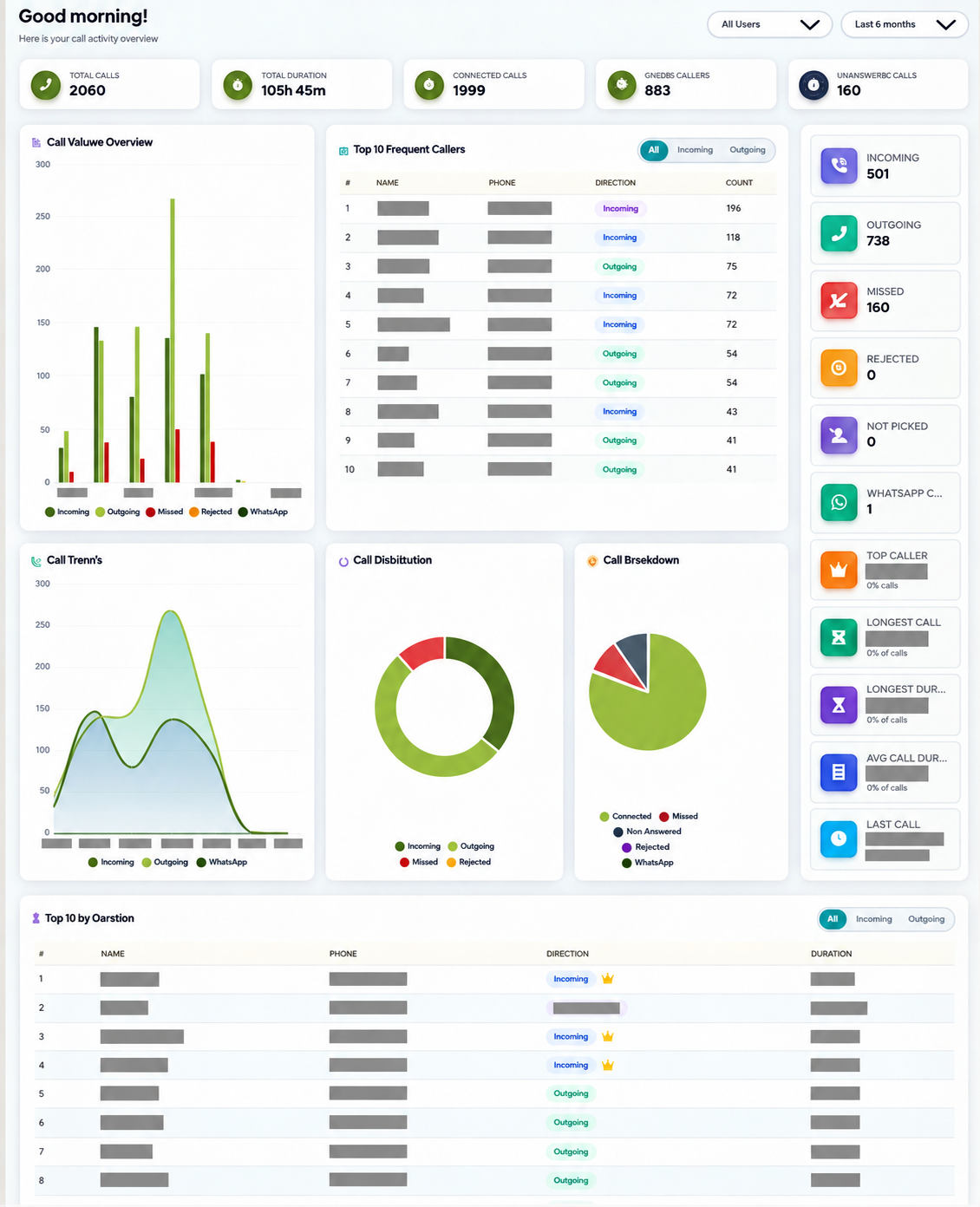
Setup Instructions
Step 1
Log in to your DialSummary account — the Live Dashboard loads automatically as your home screen.
Step 2
View instant KPI metric cards: Total Calls Today, Connected Calls, Missed Calls, and Active Telecallers.
Step 3
Review the live activity graph to monitor calling intensity and peak connection hours in real time.
Step 4
Check the Team Status widget to see who is currently on an active call, free, or offline.
Step 5
Switch the date filter dropdown to compare today's live run-rate against yesterday or last week's benchmarks.
Got Questions?
Frequently Asked Questions
Managers see real-time incoming/outgoing call counts, live connection percentages, agent availability status, and unresolved opportunities in one place.
Yes. As telecallers complete conversations and leads change stages, live charts and count widgets update automatically via background synchronization.
Yes. Use the department and agent filters at the top of the dashboard to focus on specific operational squads or shifts.